US APPLE GIFT CARD · HELP
Redeem a US Apple gift card on iPhone or iPad
Follow the account, redemption and manual-code steps, then check the result.
Images are simplified illustrations, not real account screenshots. Labels may vary by system version.
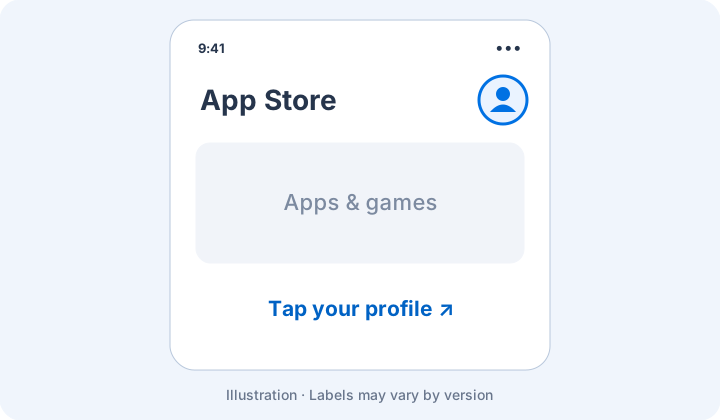
01Open your account
In the App Store, select your profile. Check that you are using the intended US Apple Account.
02Find redemption
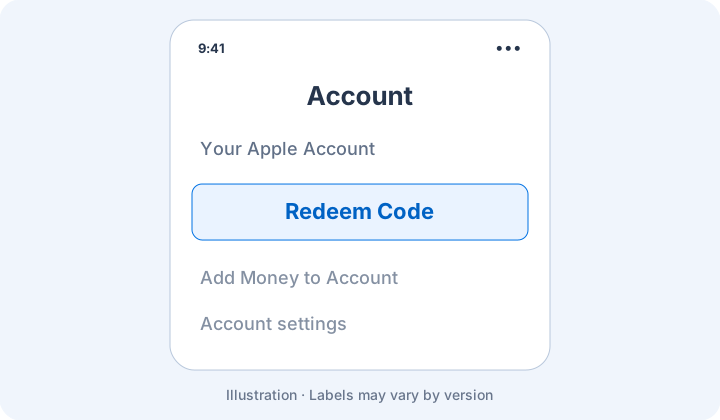
Choose Redeem Code or Redeem Gift Card or Code from the account page.
03Enter and confirm
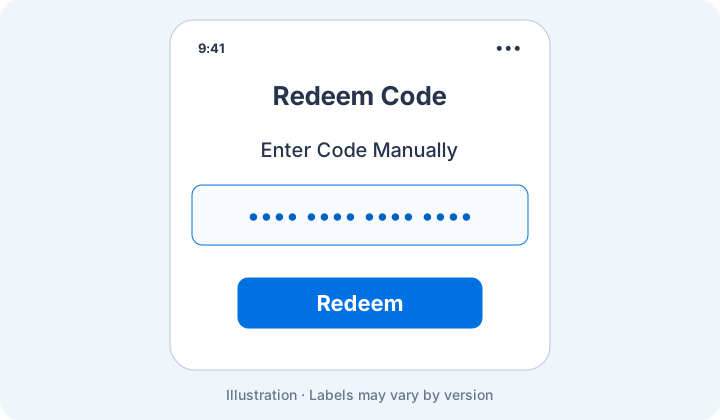
Choose Enter Code Manually, paste your code and select Redeem. Check the resulting balance. If an error appears, record it and follow the troubleshooting guide.
Keep in mind
iPad uses a similar flow. Dots in the illustration are placeholders, not a usable code. Labels may vary by system version.