US APPLE GIFT CARD · HELP
Redeem a US Apple gift card on Mac
Locate the redemption option in the Mac App Store and enter the digital code.
Images are simplified illustrations, not real account screenshots. Labels may vary by system version.
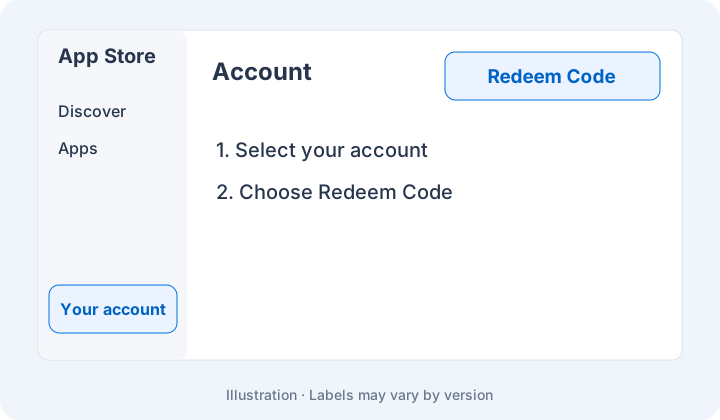
01Open your account
In the App Store sidebar, select your account name, then find Redeem Code or Redeem Gift Card.
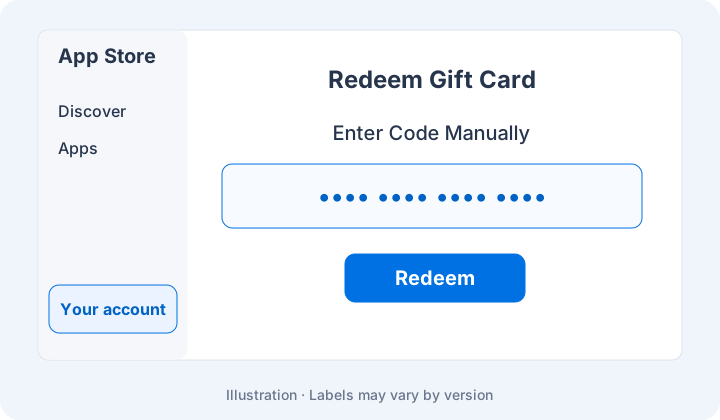
02Enter the digital code
Use manual entry and follow the prompts to redeem. Check the balance under the same account afterward.
Keep in mind
Use the intended US account. Do not paste a gift code into a browser address bar or public chat.