US APPLE GIFT CARD · HELP
Before you buy: check your US Apple Account
Check the account region, card denomination and delivery email before purchasing a US gift card.
Images are simplified illustrations, not real account screenshots. Labels may vary by system version.
01Check your App Store account
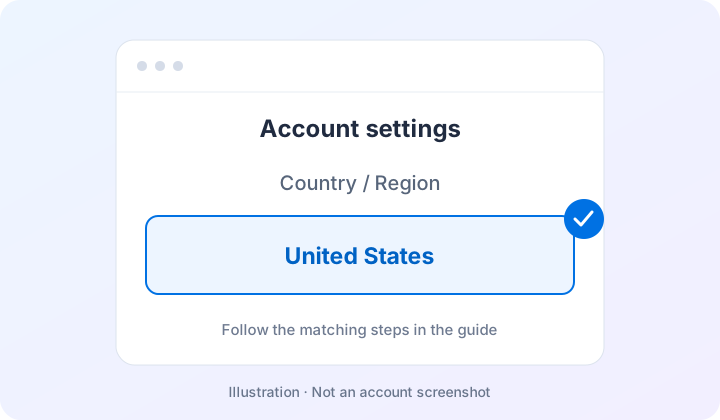
Open your App Store account settings and locate Country/Region. Confirm it is United States. Device language does not determine the account region.
02Check the card and delivery details
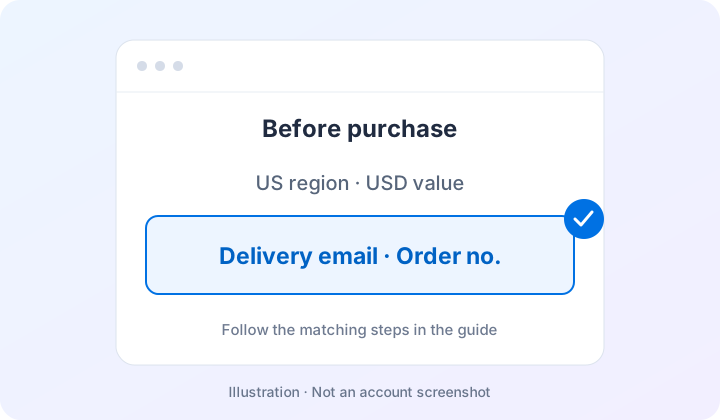
Choose the required USD face value and check the CNY purchase price separately. Use an accessible email address and keep your order number.
Keep in mind
Use your own account. Never give a seller your Apple password or login verification code. This guide checks your existing region; it does not ask you to change regions.